No body photo required
Preview your tattoo on a 3D body model
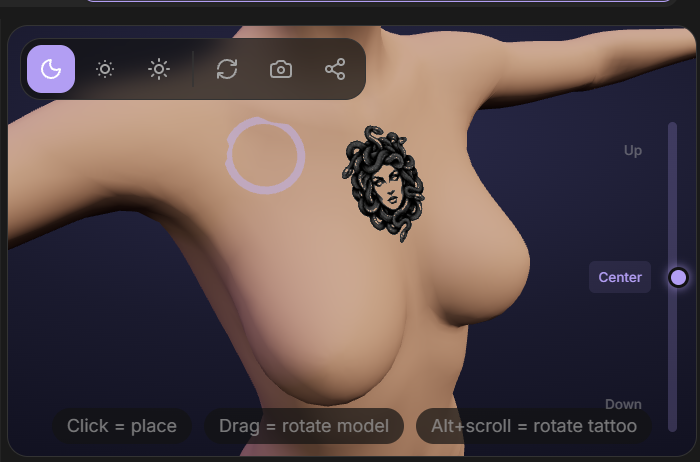
After creating a design, place it on an interactive body model to explore where it might sit. Rotate the model, inspect the design from different angles and adjust its position before discussing placement with your artist.
The 3D preview is currently available on desktop.
Start Free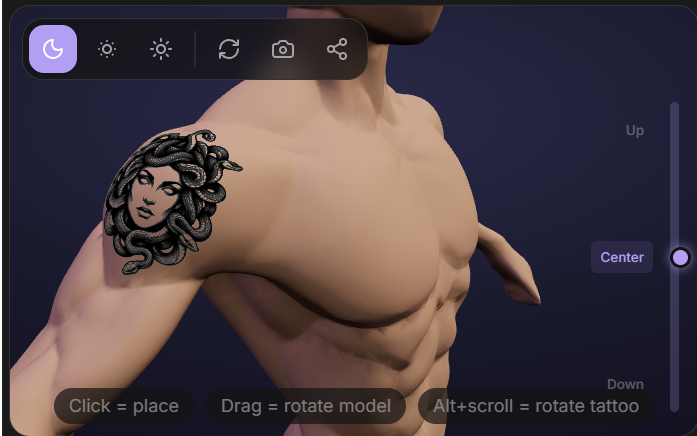
What you can do in 3D
- Rotate the model by dragging with the mouse.
- Zoom with the mouse wheel.
- Choose male or female body type.
- Use the vertical slider to move the focus point.
Explore placement before the appointment
The model helps you compare body areas and approximate size and angle without uploading your own photo. Save questions and options to discuss with your tattoo artist.
A model is not your body
Body shape, skin and movement vary from person to person. The 3D view is a planning aid, not an exact prediction of how a tattoo will look on you or heal.
Common questions
Do I need to upload a body photo?
No. The 3D preview uses a body model. If you want a preview on your own photo, use AI Try-On instead.
Can I use the 3D preview on a phone?
The interactive 3D preview is currently available on desktop. Mobile users can use the photo-based AI Try-On.