From idea to transfer guide
Make a tattoo stencil from your design
Deep Stencil helps you turn an idea or reference photos into a design and preview how it might work as a stencil. Use it to start a clearer conversation with your tattoo artist, who makes the final technical decisions.
Start Free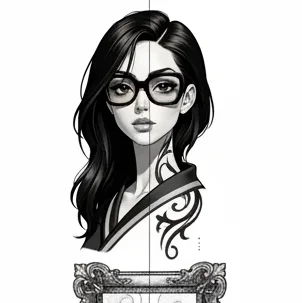
How the stencil workflow works
Create or refine a design
Describe your idea, upload reference photos, or edit an existing design. Review the result before preparing a stencil.
Compare stencil treatments
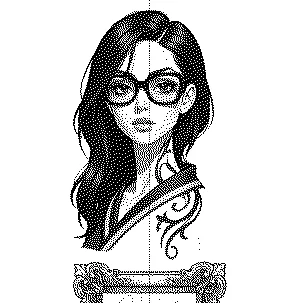
Choose a line-focused or halftone treatment according to the contours and shading you want to discuss with your artist.
Export and bring it to the studio
On tattoo artist plans, download the stencil as PNG or PDF. Your artist can adapt it to the placement and the tattooing method.
A starting point for your tattoo artist
A digital stencil is a transfer guide, not a finished tattoo plan. Your artist should check line weight, detail, size and placement, and redraw anything that will not work well on skin.
Formats and plan access
Stencil export is available on tattoo artist plans. PNG and PDF are supported; export resolution depends on the plan. Check the current pricing before subscribing.
Common questions
Can I tattoo the exported stencil without changes?
Treat it as a reference for a professional. A tattoo artist should review and adapt the artwork before applying it to skin.
Can I start from a reference photo?
Yes. Photo Mode can use reference photos to guide a new design; Edit Mode can refine a design you already have.